
Programming Languages war Python, PHP, Javascrip (Nodejs) "Frameworks"
Hey my friends, a new post about this war. I don't know which is better, but I'll try to figure it out. I hope y'all enjoy this series. Here we go!
I'm going to install Django (Python), Laravel (PHP), Expressjs (Javascript). You have to remember in this case you need to have installed Python, PHP and Node. If you haven't installed that "PART I " I explained to you.
Django
First, I'm going to install pip. PIP is Python's manager of packages. It's easier and to need. It's my best way to install Django.
sudo apt install python3-pip -y
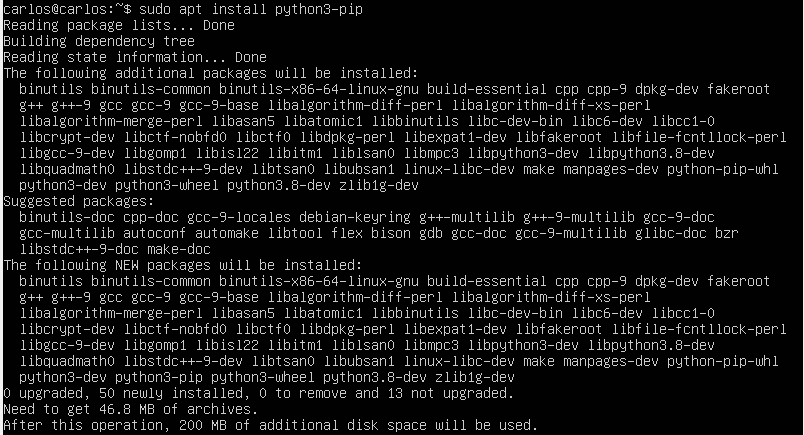
I recommend you that you use for default the command "pip" instead of "pip3".
update-alternatives --install /usr/bin/pip pip /usr/bin/pip3 1
With this command you can validate which is the version.
pip --version

Now, to install Django.
pip install django
To validate the version of Django.
django-admin --version

This command creates your project.
django-admin startproject luffydjango
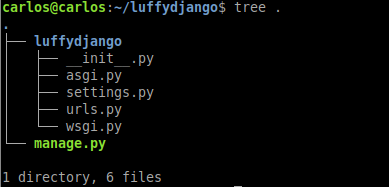
In my case I installed this project in virtualbox, so, I had changed this file.
nano luffydjango/settings.py
If you used an IP distinct to localhost, you have to edit this line.
ALLOWED_HOSTS = ["your-server-ip"]
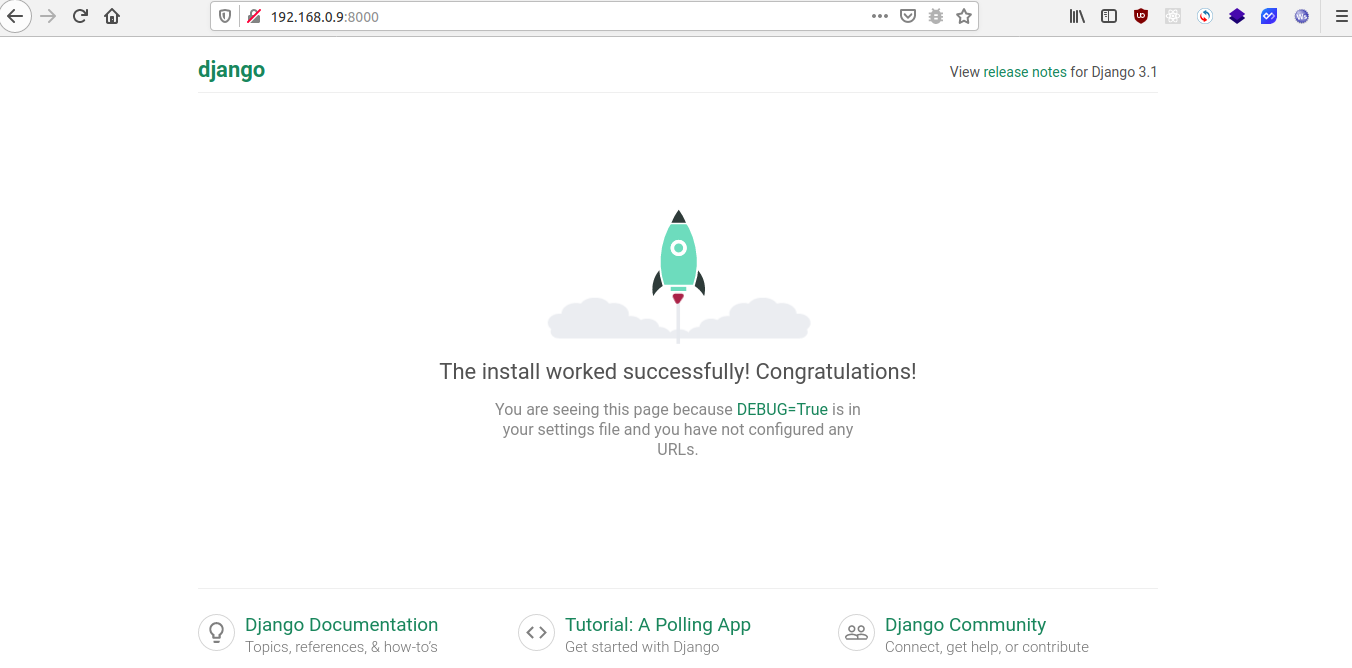
And now I run my server.
python3 manage.py runserver 0.0.0.0:8000
Laravel
First, you need to install composer is PHP's manager of packages and you need some requirements https://laravel.com/docs/7.x/installation#server-requirements
apt install composer
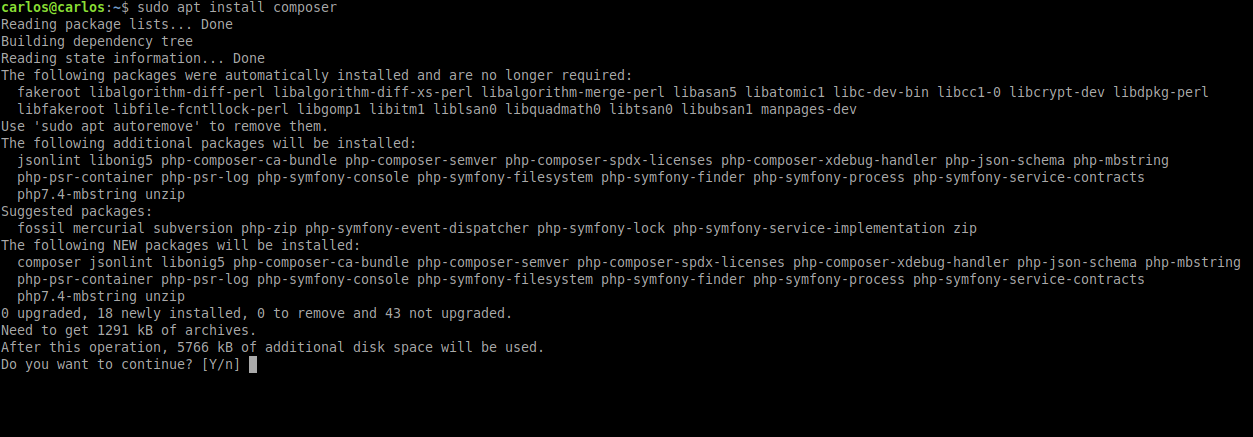
Now, I validate version of the composer.
composer --version

Now you run.
composer global require laravel/installer
And 2000 years later. 😜

Now, I like to use Laravel like a command, so you remember I'm using Ubuntu 20.04 I need to do that.
nano $HOME/.bashrc
Add at the end of the file.
export PATH="$PATH:$HOME/.config/composer/vendor/bin"
Next run this command.
source $HOME/.bashrc
Then you can run a command for see what is your version of Laravel's installer.
laravel --version

So, I could install my project.
laravel new ace-project
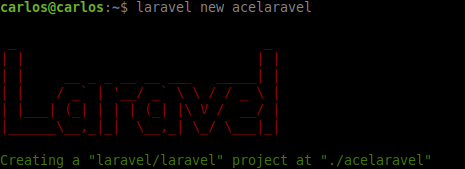
And now I run my server.
php artisan serve --host 0.0.0.0
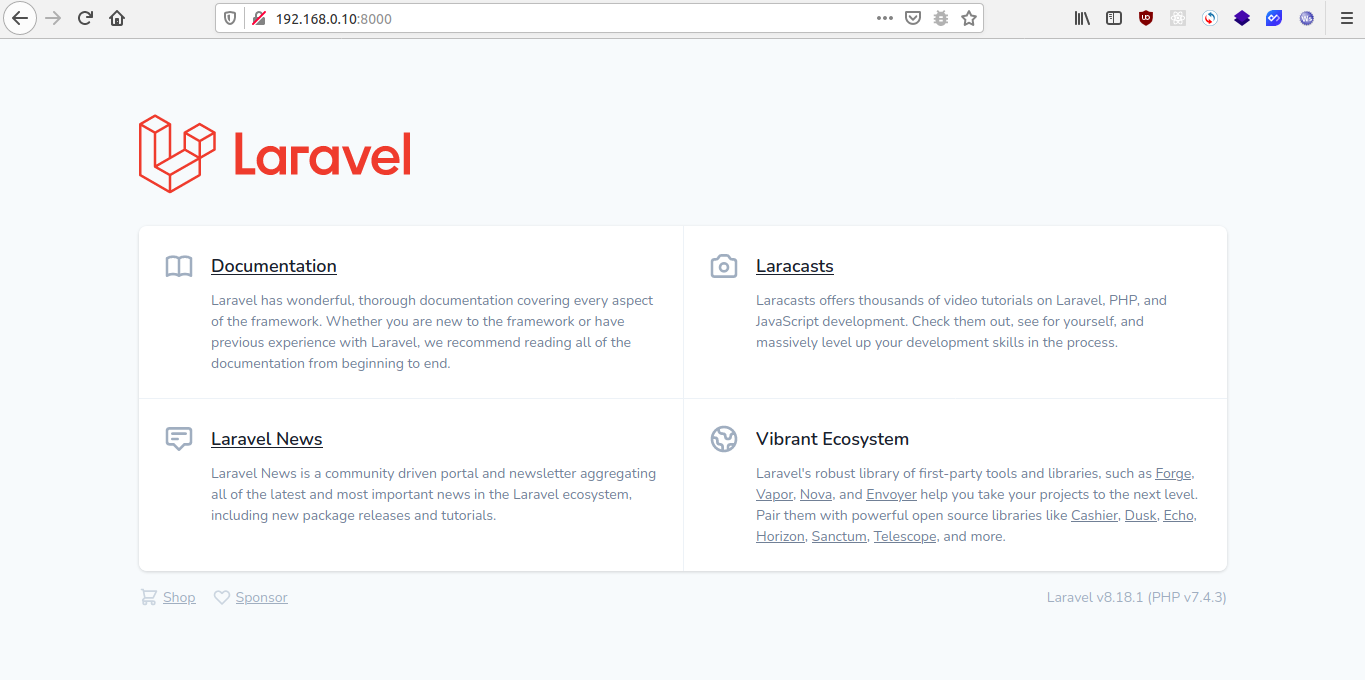
Express
I'm going to install npm. Npm is... Nodejs' manager of packages. =P
apt install npm
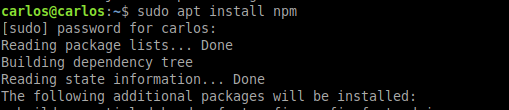
Now... I validate the version of npm
npm --version

Next, you install express generator.
npm install -g express-generator
I validate express' version.
express --version
Next, you install your project
express saboexpress
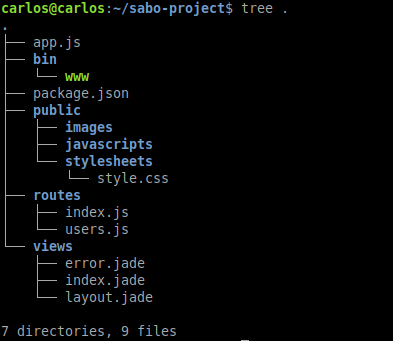
Next module installation
npm install
And now I run my server
npm start
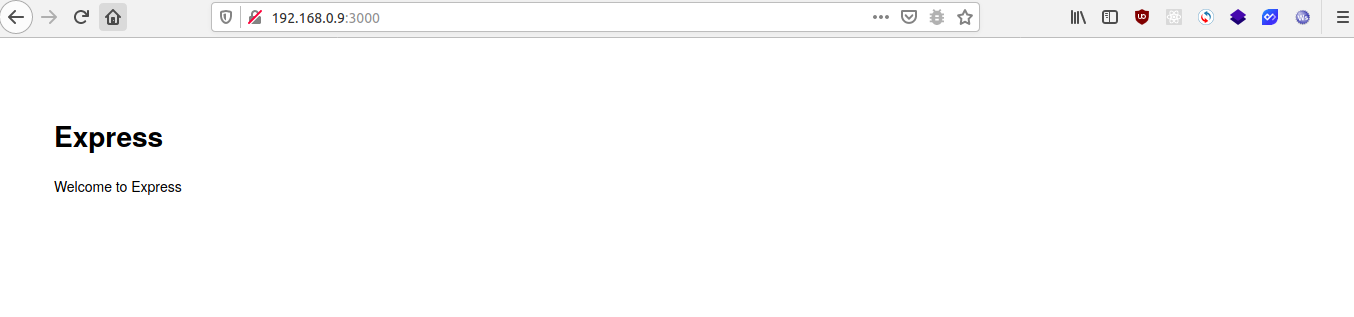
By the way, the default port is 3000 in expressjs
Conclusion
Structure: Django weighs 17.4 kB, Laravel weighs 39.3 MB, Express weighs 6.9 MB Steps: Python 8 steps, Laravel 8 steps, Express 7 steps Installation time: In my case Laravel was slower download packages First impression: Python with his rocket is more pretty 😁
Would you like that I write more info about Frameworks?
I hope you enjoy my post and remember that I am just a Dev like you!
About the author
I am a backend developer (PHP, Javascript, Laravel, Node ) , I know frontend (css, html, react, react-native) but it is not my passion, I have experience as a linux system administrator. I have deployed products in googlecloud, I have experience with integration and maintenance to mobile applications, in addition to working with database sql (mysql, postgresql) and nosql (mongodb)
Comments
Join the discussionNo comments yet. Be the first to comment.


